
Import Promis
To import a Promis *.e3d file,
-
select the File -> Import -> Schematic -> Promis... command from the Main Menu bar and
-
complete the following dialog box:
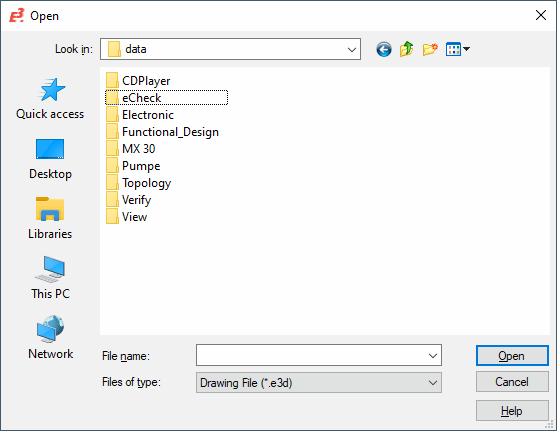
The system always starts the dialog in the directory defined in the Settings' Default Directory page.
|
Open |
|
|---|---|
|
Look in |
Allows you to select the drive and folder from where you want to load the file. |
|
File name |
Enter a name for the file. |
|
Files of type |
The default type is Drawing File (*.e3d). |
It is possible to write/read 5000 sheets per instance. If too many sheets are contained in an instance, an error message will be displayed while writing a design file.
Note
To import a Promis *.e3d file with translatable conductor names and translatable texts, the following must be taken into consideration:
-
Select the appropriate text database that contains the description of the translatable texts from the *.e3d file.
-
At least one language must be defined in 'LANGUAGES' in the *.e3d file and this language must exist in the text database.
E3.series generates a correct plug connection of pins placed one upon the other in Promis when importing such a Promis file.
Conductors (or target pins) are described in the *.e3d file, but might refer there to an erroneous, name-equivalent pin.
When the conductor is graphically routed and represented by a conductor indicator symbol, the system searches the target pins along this graphic connect line, and then correctly routes these pins in the course of a reworking.
When reworking it's possible to use the appropriate graphic connection paths in E3.series.
When a unique graphic connection already exists, the corresponding conductors are routed. The user is thus no longer dependent on the attribute symbol.
For all conductors that cannot be assigned, a message is displayed in the Output Window. Double-clicking on the lines jumps to the corresponding conductor.